Amped Software recently released a significant update to Amped FIVE, focusing on helping you standardize repeatable work, protect version history, and extract deeper technical insight from challenging evidence.
Below are the headline improvements, then head to the full blog post to discover every update.
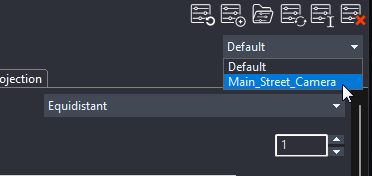
Filter Presets: Save Your Favorite Set of Parameters to Reuse Them in One Click
You can now save, share, and reuse your preferred filter parameters as JSON-based presets. They’re useful for footage you process regularly (think the same street camera every week). Create a preset once, store it in the filter’s preset folder, and apply it instantly the next time you encounter similar evidence. You can also manage and edit presets right from the UI. It helps you eliminate repetitive setup and standardize best practices across your team.
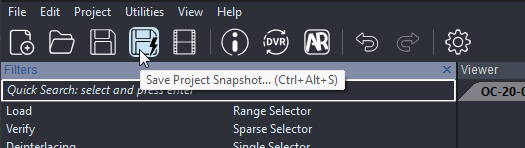
Project Snapshots: Safe Branching, Instant Rollback, Full Audit Trail
Project Snapshots allow you to capture timestamped copies of your current FIVE project with a single click. This way, you can branch, compare, and roll back without overwriting your main file. On complex cases, you’ll keep a clean history of your work and the freedom to explore alternatives with zero risk.
Advanced File Info: A Clearer “What’s Inside This Video” View
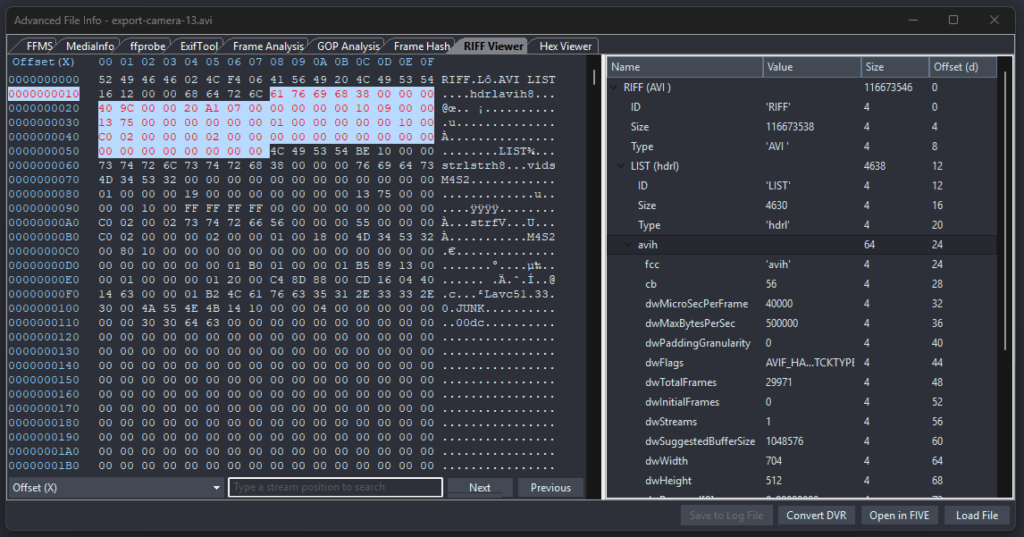
Think of Advanced File Info as a clear, structured “inside view” of your evidence file. It shows the container and the streams inside it so you can understand exactly what you’re working with.
- Cleaner RIFF Viewer: When you browse technical entries, related items are automatically highlighted.
- Resizable layout: Drag the center divider to give yourself more space where you need it, details on one side, hierarchy on the other.
- Smart “Go to Frame”: When you jump to a specific frame, FIVE now takes you straight to the correct step in your processing workflow (called a “chain”), even if that chain isn’t currently open.
Compression Analysis: Visual Overlays that Make Compression and Motion Easy to Spot and Explain
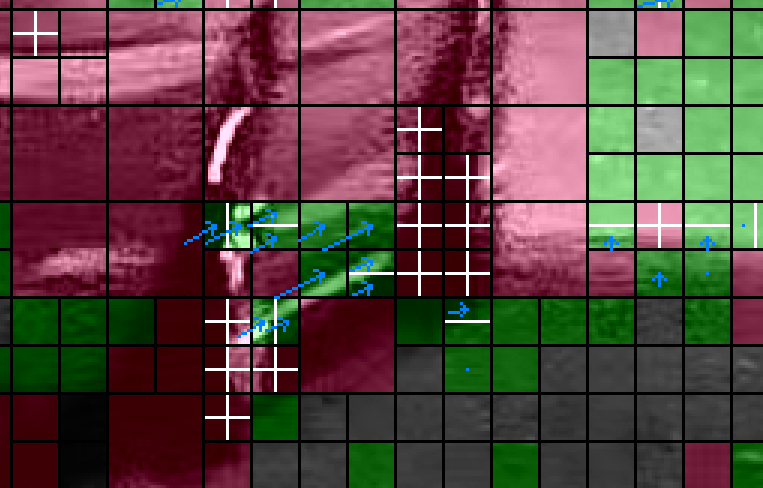
If you’re using Macroblocks (MPEG-1/2/4) or Coding Tree Units (HEVC), you can now assign distinct overlay colors for clearer, layered visualization.
Quantization views add frame-based and absolute color-mapping modes. This makes it easier for you to compare frames consistently and explain compression artifacts in your reports.
Motion-vector extraction has also been improved, including for skipped blocks/units, giving you more complete motion evidence.
Want the Full Rundown of Improvements?
There’s much more in this release than can fit in a single announcement. Read the full blog post to explore all enhancements, tips, and notes so you can put them to work right away.