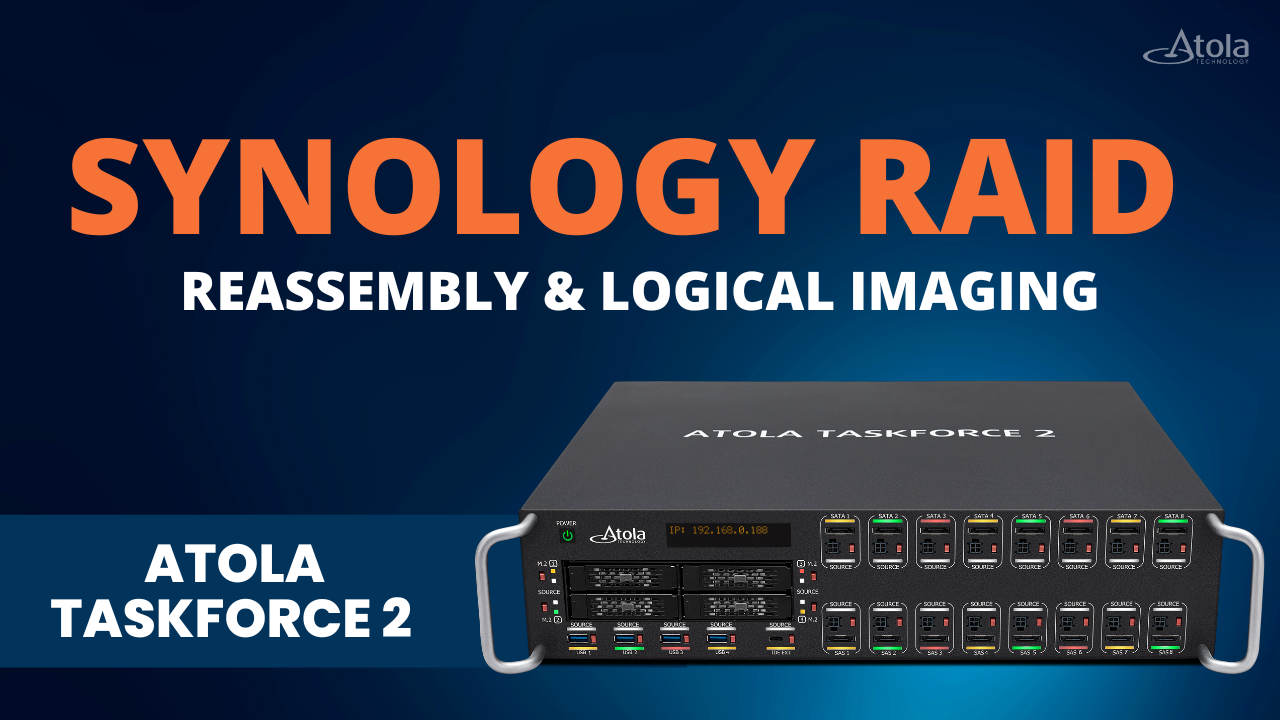
This video demonstrates how digital forensic investigators can quickly reconstruct a proprietary Synology RAID, browse the file system before imaging, and perform targeted logical imaging instead of acquiring the entire multi-terabyte array.
In this video, TaskForce 2:
- Automatically detects Synology SHR and SHR-2 configurations
- Reconstructs RAID with no manual setup
- Lets you browse evidence before imaging
- Creates logical image of selected files and folders
- Recovers data from missing or damaged drives using RAID parity
If you’re working with a NAS holding many terabytes of data and you just need a few key files, this workflow gets you there faster – without cutting corners on integrity.
⏱️ Timestamps
00:00 Intro
00:15 The problem with Synology RAID reassembly
01:10 How standard RAID works
01:20 What is Synology SHR
03:31 TaskForce 2: built for Synology RAID
03:35 Step 1: Connect sources
03:58 Step 2: RAID autodetection
03:50 Step 3: Review before imaging
04:23 Step 4: Logical imaging
05:01 Step 5: Missing/damaged RAID recovery
📝Resources
🔗 Learn more about Atola TaskForce 2 RAID capabilities: https://atola.com/products/taskforce/forensic-raid-image.html
🔗 Follow Atola on LinkedIn: https://www.linkedin.com/company/atola-technology/